Cataclysm
Cataclysm is a menu bar app that fixes mouse interactions for League of Legends and other games on macOS. It locks the cursor to the game in windowed mode, disables pointer acceleration, and inverts scroll directions. Free and open source.
Download for MacmacOS 13 or later
First launch
macOS blocks the first launch because Cataclysm is not in Apple’s paid developer program (I want to keep it free). Once per Mac:
- Drag Cataclysm to Applications and open it. On the “Cataclysm” Not Opened dialog, click Done.
- System Settings > Privacy & Security > scroll to Security > Open Anyway.
- Click Open Anyway again, then enter your password.
- Grant Accessibility when Cataclysm asks so that it is able to detect mouse events.
Usage
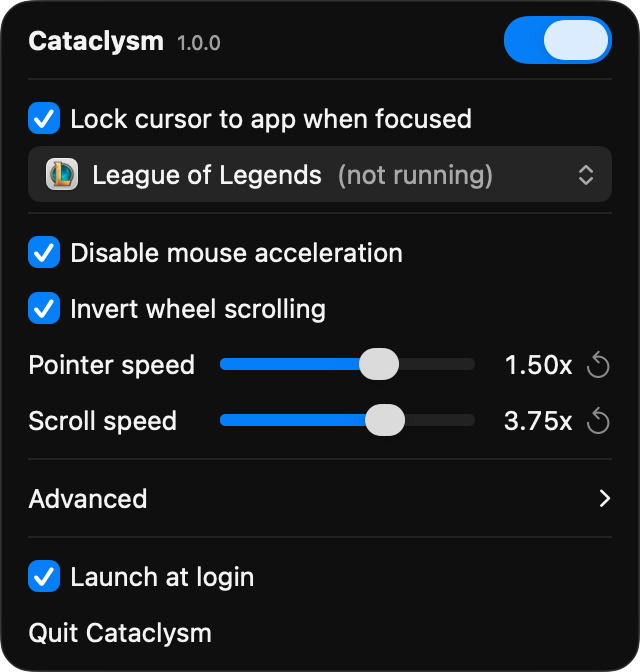
Everything is in the menu bar dropdown. Cursor lock is only enforced while the game is focused (so you can tab out), but if you need it, ⌥⌘L toggles the cursor lock even in-game.
Uninstall
Uncheck “Launch at login” and quit from the dropdown, then move Cataclysm to Trash.